
The city where I live during the summer is called Sanremo. The name originated from the local dialect, where the name of the area’s patron, saint Romulus (Italian: san Romolo), was shortened to become Sanromu. Centuries later, locals who weren’t interested in history started believing that there has been a saint Remus, leaving a plethora of misspelling and misinterpretation behind.
Later
Ctrl + ↑
“Events in the Riviera” website
I started working on this project in July, when I saw ugly event posters being put up around Sanremo. To fix this, I made a classy three-page document:


It then occurred to me that the official posters were already put up, therefore my design could not get widespread until next month. Secondly, Sanremo isn’t the only city to host interesting events, so a logical continuation of the project would be encompassing events happening in the surrounding area.
To make sure everyone knows what’s happening, I made a website, which, unlike posters, can be edited at any time. I’ve been updating it ever since. I’m now searching for a person that would do so for me.
I know, it doesn’t pop: it’s bare-bones. It’s not hosted on my server yet. The speed of adding new events is limited by how quickly I find something interesting, plus there’s no mechanism for updating. That’s why it’s still in beta. Tell me what you think: robertblinov.net/misc/riviera
P. S. I’m now going to document every update I make. Today I added a checkmark that appears on events that I verified by visiting. This system will not always work as events usually happen at a certain time, but it works nicely on those that last several days.
Pen caps
Pen caps suck. You know that. But manufacturers don’t.
Dear manufacturers, please stop making pens with caps unless it is a complete necessity. Think about how much time students lose in picking up caps from the floor. And how many germs they pick up along.
My wishes for iOS 13
With iOS 12 being a booming success, it is a small step away from being ideal. Here are my wishes for iOS 13.
A results oriented home screen. Make it so that the home screen (and the whole OS in general) helps the user get his task done, and not send you to an app where the task could be done. Yes, this means that apps will split into usage scenarios, and that’s fine. Combining the notification centre and the home screen may also be useful. “Shortcuts” is phase one — a shake-up of the home screen is what will make this vision mainstream.
Dark mode. I love macOS Mojave’s dark mode and I can’t wait for it to come to iOS. There’s no need in explaining why it is so awesome.
A thinner Safari scrolled by address bar. I’m pretty sure this is just a bug, so it should be easy to fix:

Volume controls that don’t intrude. Seriously, how isn’t this still a thing?

Adjustments to the control centre. Give me the option of getting rid of this indicator. I know that that’s where the control centre is! Remember Steve Jobs’s iPhone announcement? Buttons and controls can change on a touchscreen, so it is obvious to let me customise my device.

It would be useful if I could turn off lock screen data controls, so a potential thief wouldn’t be able to stop me from finding my device. Currently, the control centre is disabled on my lock screen because of this.
Trapped in a rug
I’m going through my earlier school memories and I want to share them with you. I even have an entire notebook where I wrote internal “memes” we had in sixth grade.
This one is from second grade. There were many rugs in the room, as we would sit on them. (We were in class on them for most of the time until we started using proper desks in third grade.) One was in a corner, waiting to be laid down. For no apparent reason, our teacher decided to punish Matthew, my classmate. It probably was because he was distracting us from reading a book, but I’m not sure. She could have yelled at him, given a warning, or in the worst case scenario sent him to the headmaster, but she decided to go in a different route. She was a good teacher, so she jokingly rolled him into a rug, reminding me of a scene of the “80 days around the world” cartoon, where Passepartout is kidnapped and transported to Palmyra rolled in a rug, in a pile of them. We all laughed, Matthew included, and then swiftly returned to the lesson.
An elevator control panel for 30+ floor buildings
Continuing my fascination with elevator control panels, here is an example of what should and shouldn’t be done when a building has many floors.
Horrible:

Believe it or not, the panel may sometimes continue on the opposite wall
Ingenious. A phone-like keypad for floors:
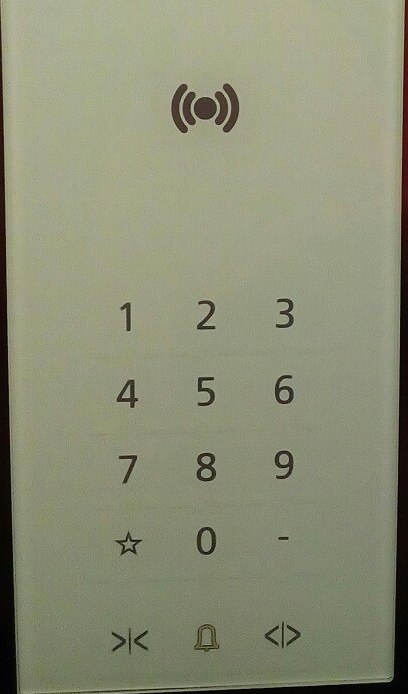
Notice that the rider can wave his hotel key card to go directly to the floor his room is located on
Medium → Aegea
I’ve been criticising Medium for a long time due to its inhumane policies, lack of RSS, and the inability to own own content.
I am not waiting for it to fix these problems, therefore I am proud to move this blog to Aegea, a blog engine where I own what I post. Welcome!
Older posts are slowly being transferred to this website.
Summary of “Exceptional service, exceptional profit”
A customer is worth his lifetime.
Lead people to the place they’re looking for, don‘t just give directions.
Reset customer expectations you can’t meet, even if they seem obvious.
Adjust your service to fit the customer best, but without intrusion into privacy.
Note at least five things unique about the customer, whether preferences or complaints.
When there’s a problem, apologise, review the complaint with the customer, fix and follow up, document the problem in detail to make sure it never happens again.
Make processes as efficient as possible.
Keep the hiring bar high: a bad employee may cause others to quit.
The speed of a group is the slowest one’s.
Make everything feel seamless: if there’s a problem you know you can solve, it should seem like it never happened.
Make the customer feel special.
Use the Italian mama method: even if your customer does something wrong, cheer them up and make them feel no less welcome.
Redesigning an elevator control panel
There’s this two-floor building which I often visit with an elevator interface that is way too complex:

Seriously, why does it need five buttons?
First of all, the “Close doors” button is a lie. It is also unnecessary to have two buttons to choose from when there’s only one way to go.

The useful action must take up more area than the extras:

But that’s still not enough. The elevator has a scale built in, so it won’t go when too crowded. This scale can be used for another feature, human presence detection. As soon as the elevator detects that weight isn’t changing, it shuts the doors and goes. A screen can be used to make the elevator more informative.
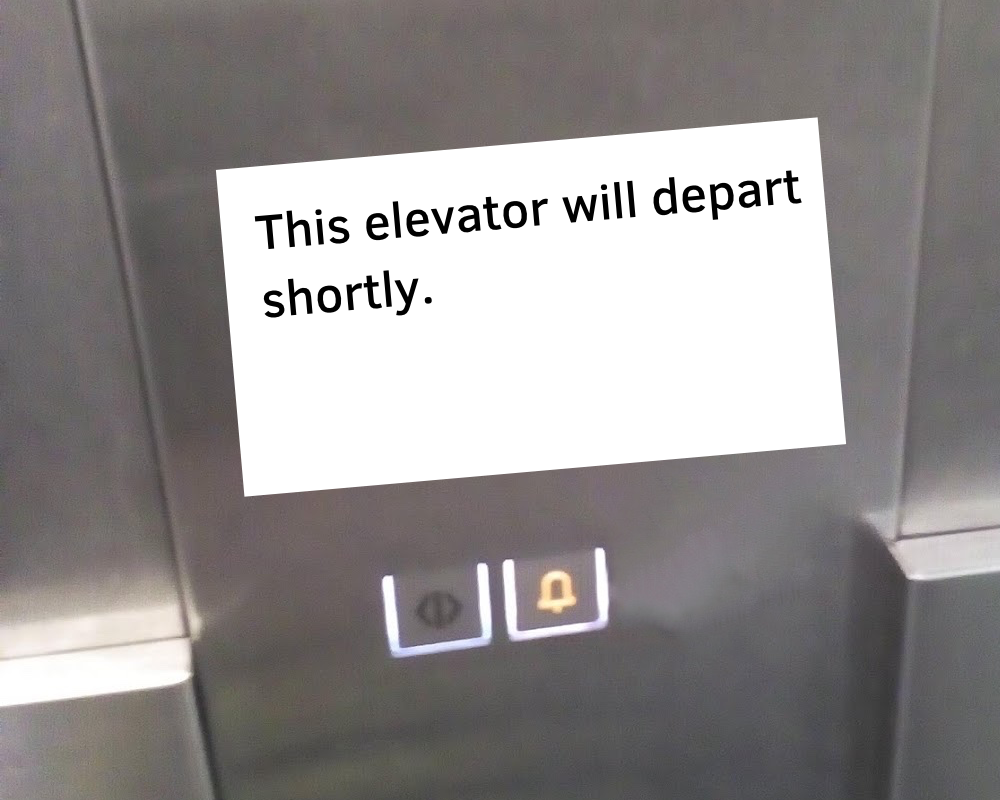
Therefore, the only buttons needed in an elevator are those for emergencies like getting stuck inside or in-between the doors.
The only problem that remains is the waste of time that the elevator is. Sure, you save time and energy by using it instead of a staircase, but the ride could be much more pleasant. A 10-second cat video will solve everything.
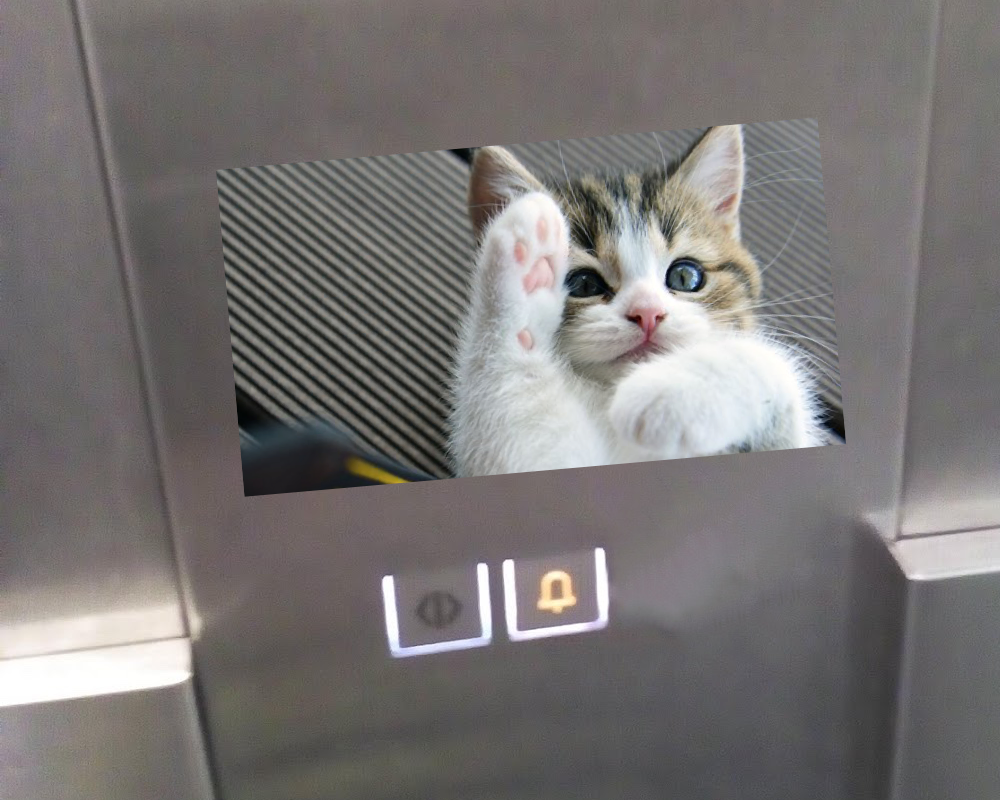
The video is silent, quite obviously
A game show would be even better, but the journey here is way too short for that.
I can’t stand titles where almost each word begins with a capital letter
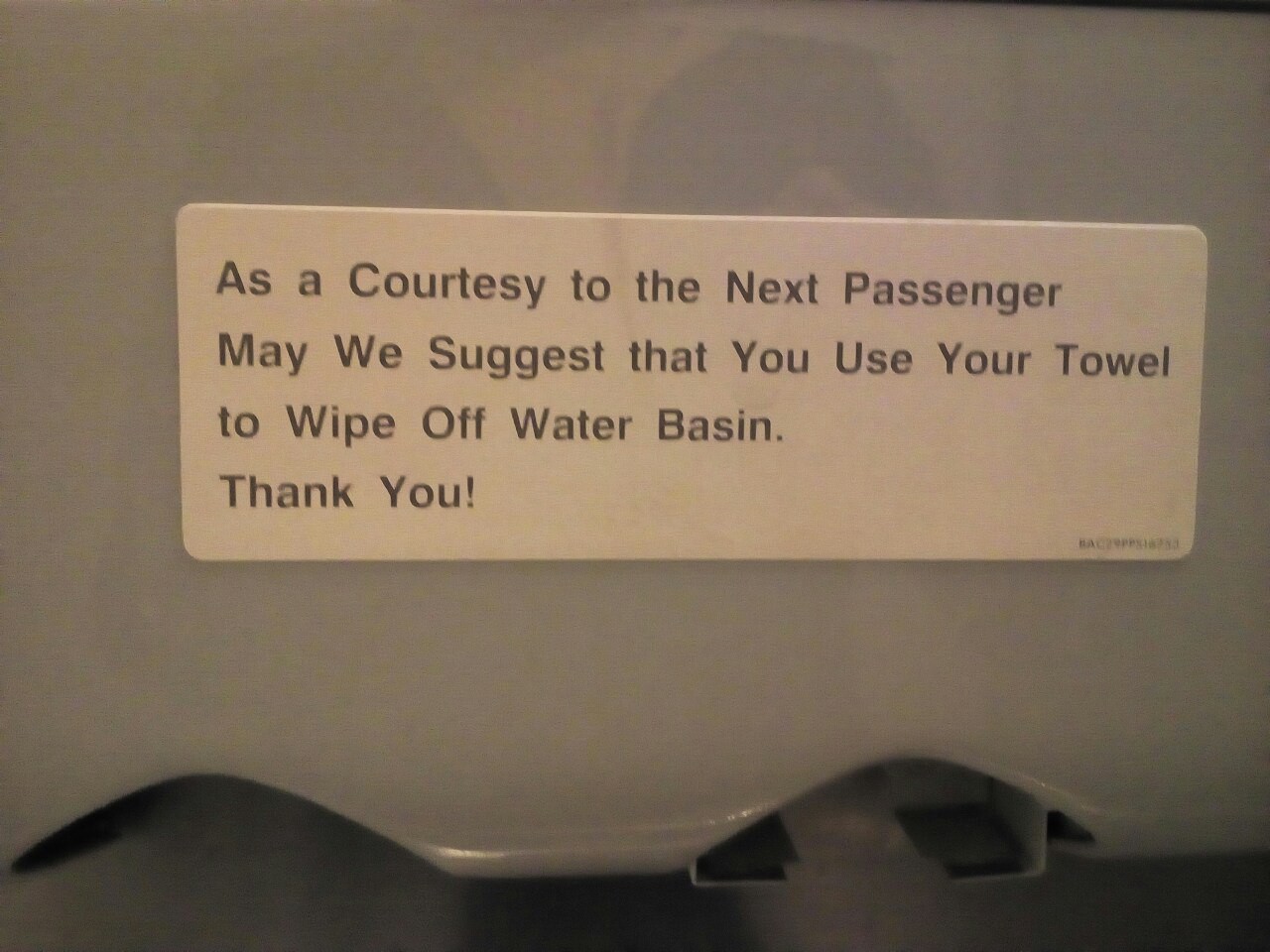
Having titles where each word except articles starts with a capital letter in English is not a necessity for correct grammar. Hereby all my titles will be sentence case.
Capitalising each word in a title slows down the time needed to understand what’s written. I’m also going to write ‘internet’ with the first letter being lower case, it’s not the 90s after all.
Earlier
Ctrl + ↓